Hex, RGB, and HSL from a photo
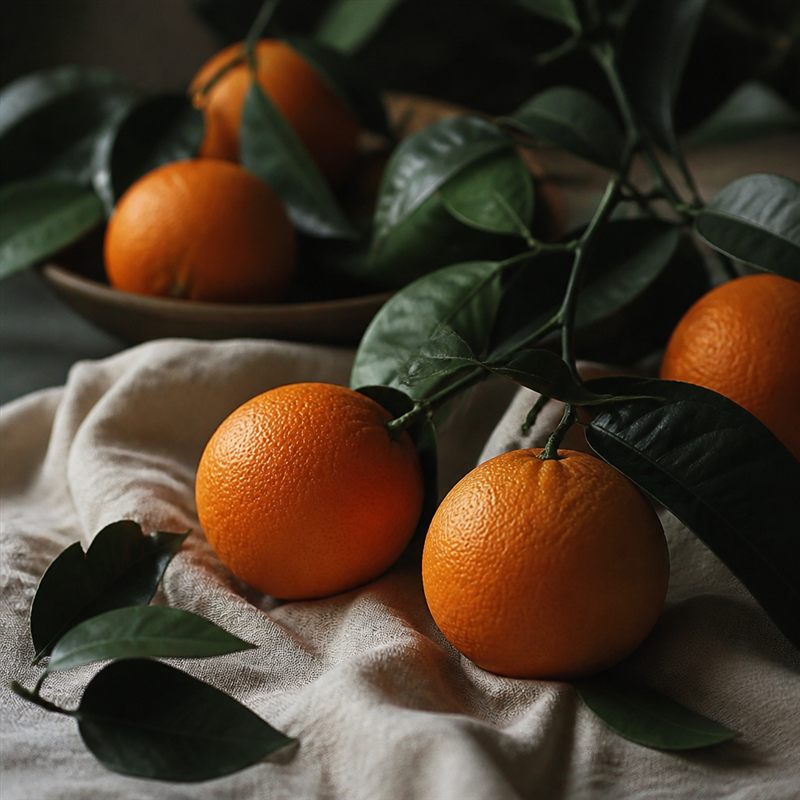
Use this image color picker to copy hex, RGB, and HSL from a photo. Brand books lag. The live key visual is what people will see next to the landing page. Sample it.
Click copies hex because that is what CSS and most design tools paste. RGB is for canvases and some email stacks. HSL is for when you need a lighter hover from the same hue. The swatch row is a histogram of buckets, not a designer's five-color system. Treat it as suspects.
Developers wiring a token file can paste into CSS variables. Marketers matching a Shopify theme can do the same. If you need a soft background from the same image, blur a crop rather than inventing a gradient from a slightly wrong hex.
CSS color variables from a sampled hex
:root {
  --leaf: #215c38;
  --citrus: #c65a16;
  --linen: #eef2ea;
}
.btn-primary {
  background: var(--citrus);
  color: #fff;
}
.btn-primary:hover {
  background: hsl(22 80% 38%);
}<meta name="theme-color" content="#215c38">Frequently asked questions
Is the image color palette the same as brand colors?
It is a coarse read of frequent pixels. Lighting, compression, and gradients shift values. Use it to start, then agree a hex in a real system.
Does the color picker upload the image?
No. Sampling happens on a canvas in this tab. Copy is to your clipboard only.
Should I copy hex, RGB, or HSL?
Hex is what CSS and most design tools paste. RGB is for canvases and some email stacks. HSL is for when you need a lighter hover from the same hue.
Why is the sampled hex not what I expected?
You may have hit a compressed JPEG block, a highlight, or a shadow. Click a larger flat area. The swatch row is buckets, not a designer five-color system.
Can I pick colors from a UI screenshot?
Yes. That is often cleaner than a photograph. Drop a PNG of the component you want to match.
Should the landing page follow the photo or the brand deck?
Follow the live key visual, or grade the photo. Do not ship both, arguing in public.