Blur photo background and screenshots
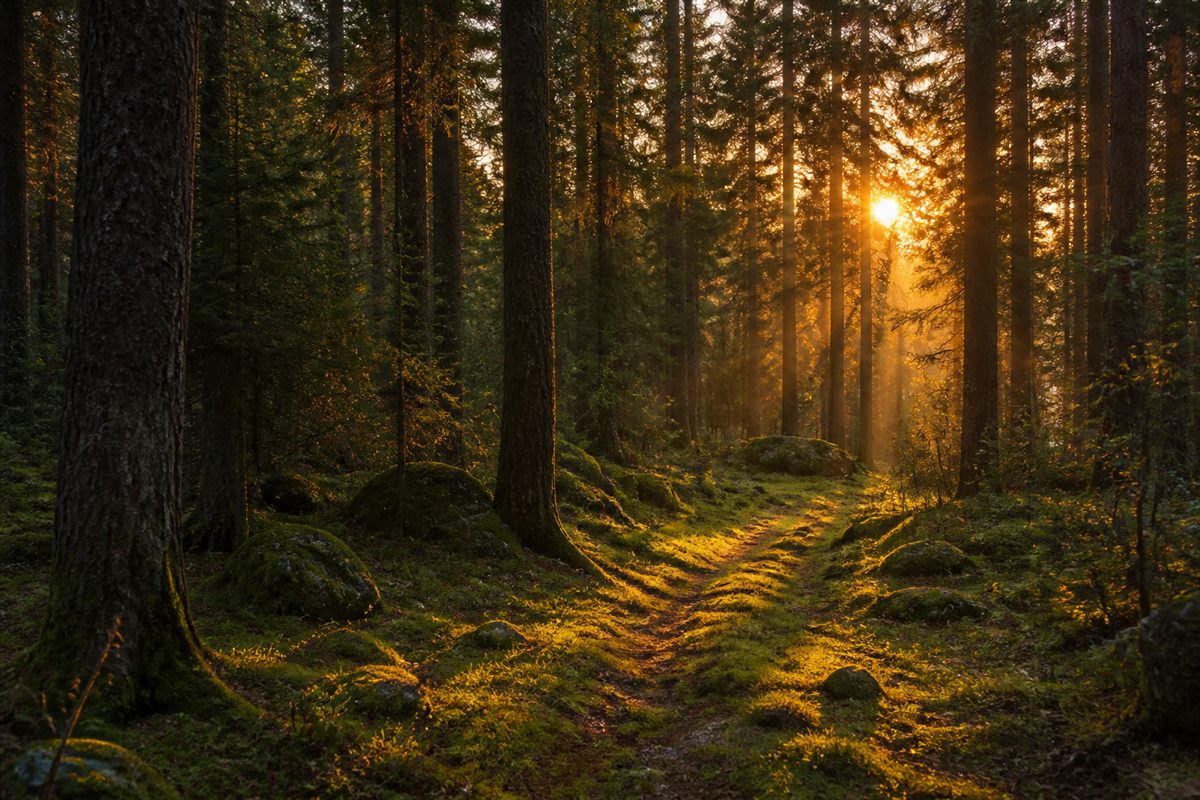
Use this page to blur an image online for two jobs. The first is a soft background behind a headline on a landing page - same colors as the campaign photo, without competing with the text. The second is privacy: a screenshot that shows a name, ticket number, address, or ID you should not publish in full detail.
The blur covers the entire image. It does not detect faces or license plates. If you only need one region hidden, crop that region with the crop tool, blur it here, then composite it in another editor.
Blur radius for website backgrounds and screenshots
Radius depends on the pixel size of the file. A radius of 12 on a small thumbnail looks very strong. The same 12 on a 3000-pixel photo looks like a light glow. Raise the value until the detail you want gone is actually gone, then stop. Extra blur does not help, and it can make the file look muddy.
If the blurred image is going on a website, resize it to the display size next. A decorative background does not need to be 4000 pixels wide. If you only needed a color from the photo, the color picker is a lighter option than shipping a blurred bitmap.
Blur image vs round image corners
A circle crop with a soft edge is a different job. Use round image corners for profile pictures. Use this page when the whole frame should look out of focus.
CSS filter:blur vs a blurred JPEG file
.hero {
  background: url("/media/forest-blur.jpg") center / cover no-repeat;
}
.hero h1 {
  color: #fff;
  text-shadow: 0 1px 12px rgb(0 0 0 / 35%);
}.live-blur {
filter: blur(18px);
transform: scale(1.08);
}Frequently asked questions
Does blur image hide faces automatically?
No. The whole image is blurred. If you only need to hide one area, crop that part first, blur it, then place it back in another editor. Or blur the full screenshot if that is enough.
Can I use a blurred image as a website background?
Yes. After you blur it, resize it to the size it will display. A huge blurred file still takes time to load even if it looks soft.
Does blur image upload the file?
No. Blur runs in your browser. We never receive the file.
How strong should the blur radius be?
It depends on pixel size. Radius 12 on a thumbnail is heavy. The same 12 on a 3000-pixel photo is a light glow. Raise it until the detail you want gone is gone, then stop.
Is CSS filter blur enough instead of a file?
On a site you own, often yes. Bake a bitmap here when the file will be uploaded somewhere that will not run your CSS, or when you need the screenshot itself to be unreadable.
JPEG, WebP, or PNG for a blurred background?
JPEG or WebP for photos. PNG only if you need a graphic with a light blur and a clean edge.