Circle crop and rounded corners PNG
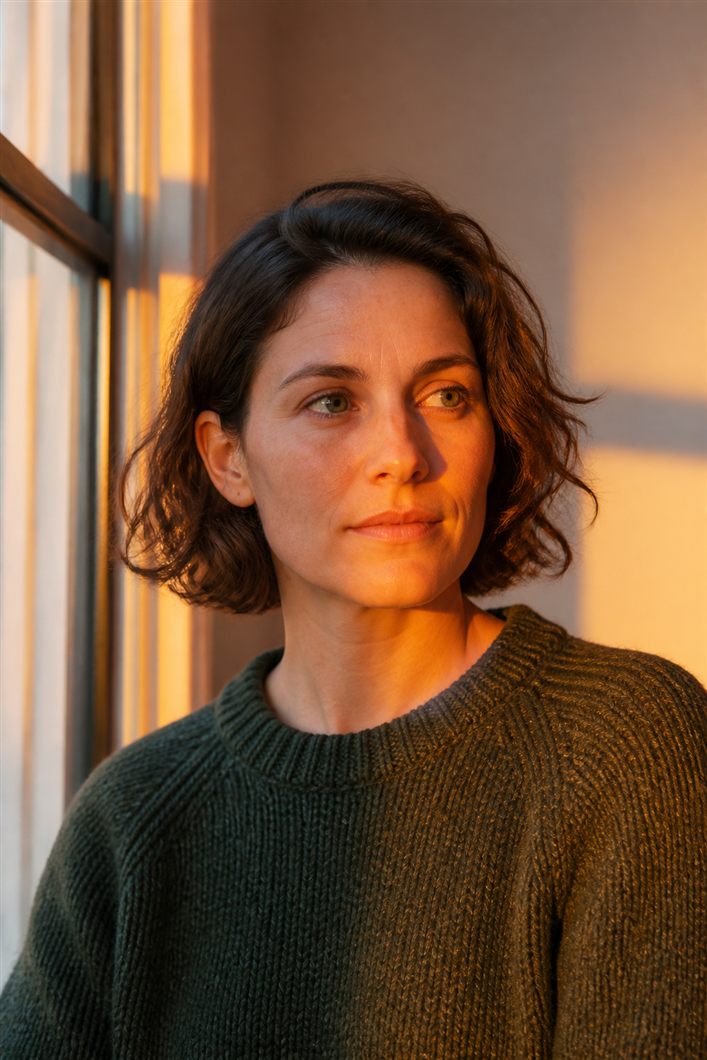
Use this page to round image corners or crop to a circle and export a transparent PNG. CSS border-radius is the right tool on a website you own. It is the wrong tool in a lot of inboxes. This page writes the rounded rectangle or the circle into a PNG with a transparent outside.
Circle crop uses the canvas as the bounding box. A wide photo becomes a circle of the shorter side's worth of content, centered. If you need a specific face, crop square first. Radius is in pixels of the source; 36px on a 128-pixel avatar is a pill, on a 2000-pixel poster it is almost a straight corner. Match the radius to the size you will actually show.
Do not JPEG the result. You will get a halo. If the PNG is heavy, you needed a smaller square more than a more aggressive encoder. Resize to the avatar box, then round.
CSS border-radius vs a rounded PNG
.avatar {
  width: 96px;
  height: 96px;
  border-radius: 50%;
  object-fit: cover;
}
.card-thumb {
  border-radius: 16px;
}<img src="avatar-circle.png" alt="Portrait" width="96" height="96">Frequently asked questions
Why export rounded corners as PNG?
Rounded corners and circles need transparent pixels outside the mask. JPEG cannot hold that. Use PNG (or a CSS radius if the image stays rectangular on a site you control).
Should I round image corners in CSS instead?
Yes, when you can. Bake the mask when the file must travel - email, some PDFs, marketplaces that ignore CSS, stickers.
How do I circle-crop an image for an avatar?
Start from a square. Crop square first if the face is off-center. Circle crop uses the canvas as the bounding box.
What border-radius should I use in pixels?
Match the size you will actually show. 36px on a 128-pixel avatar is a pill. On a 2000-pixel poster it is almost a straight corner.
Can I save rounded corners as JPEG?
Do not. You will get a halo on the transparent edge. Resize the square smaller if the PNG is heavy.
Do rounded PNG avatars work in email?
That is a common reason to bake the mask. Many clients ignore CSS radius on images. A PNG with a transparent outside still looks round.